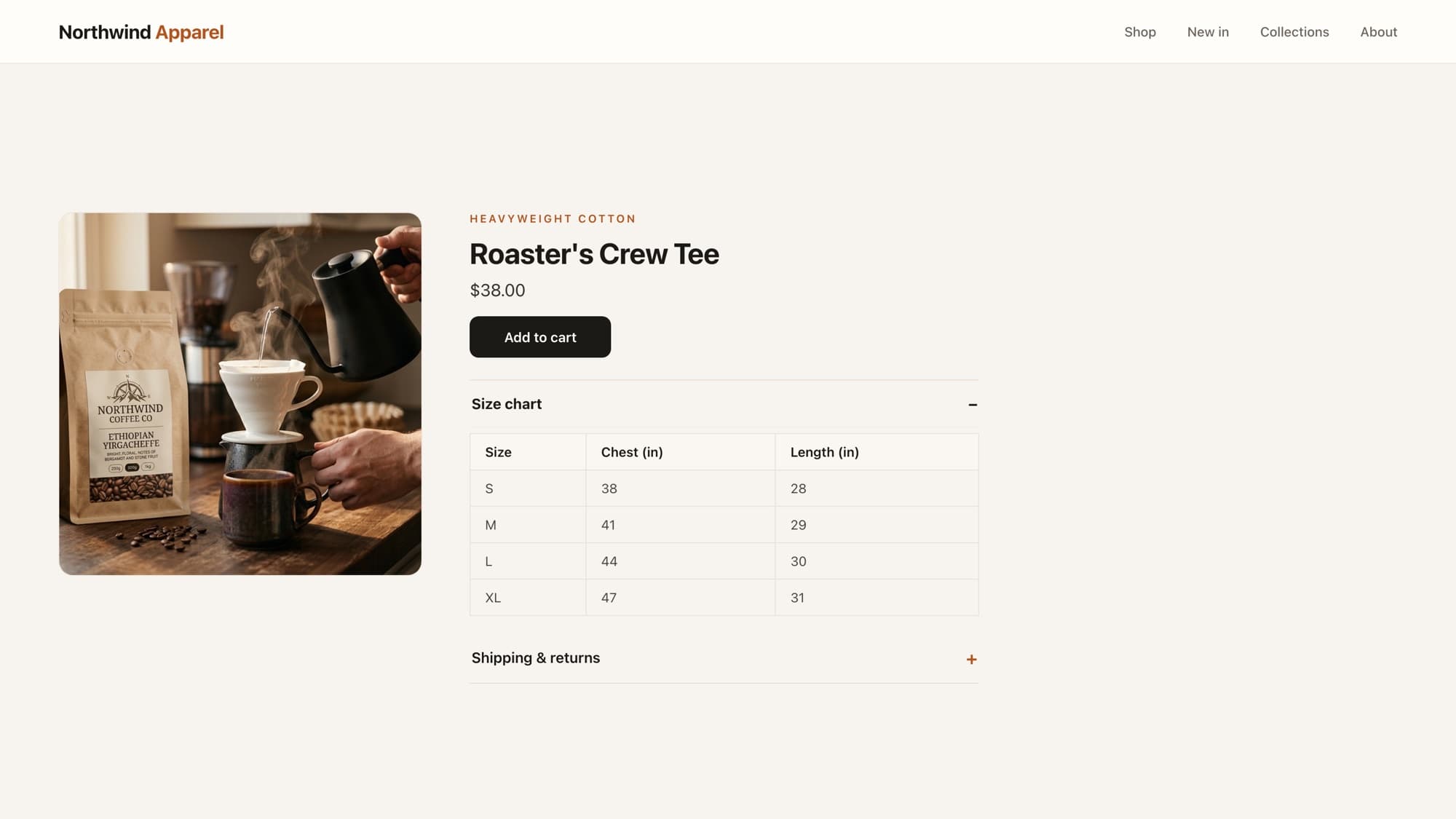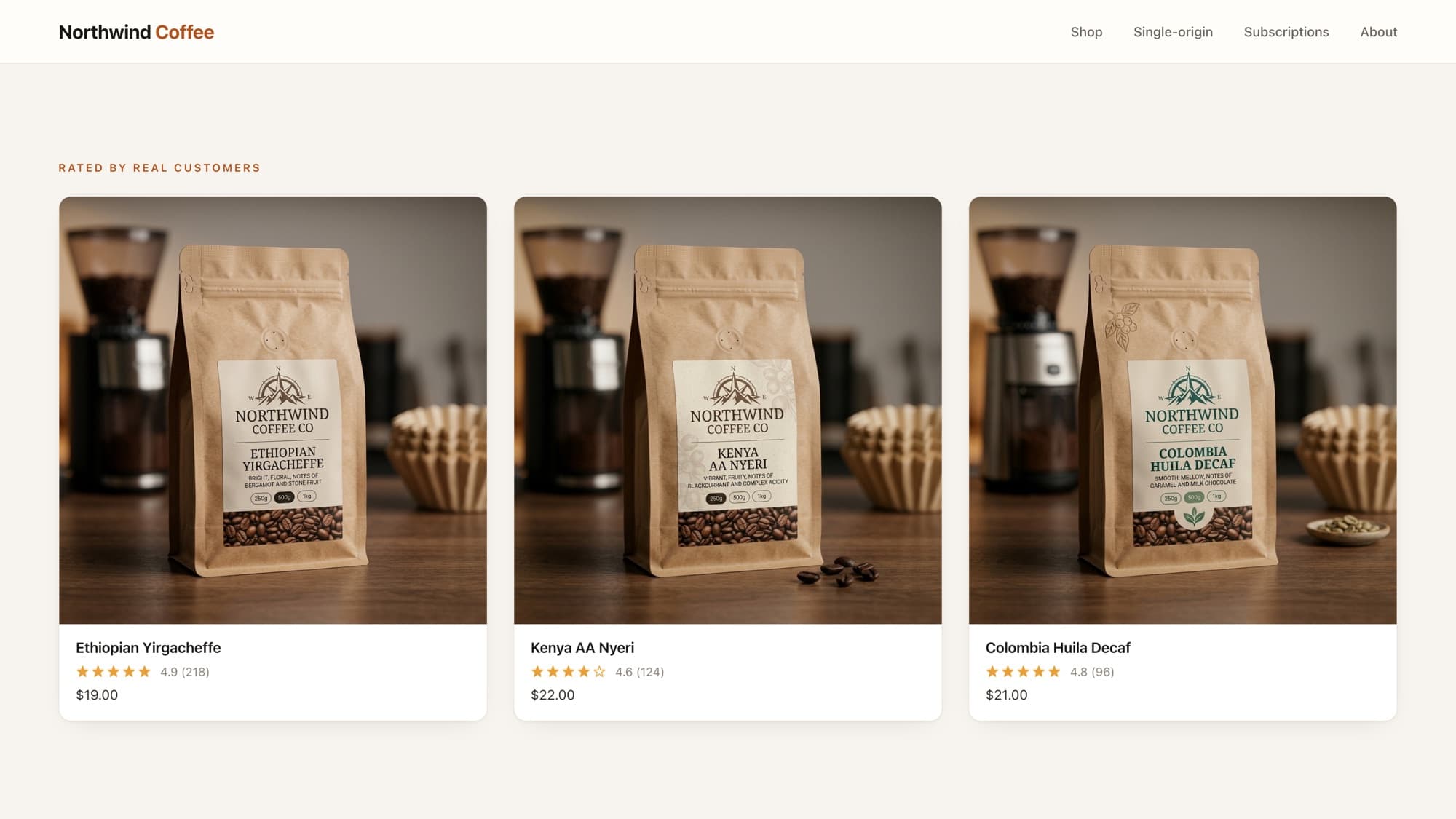
Metafields are Shopify's answer to "I need a custom field on my product." Roast date, fabric, wattage, care instructions, anything that doesn't fit the built-in fields lives in a metafield. The wrong way to store that data is in the product title or tags. The right way is a metafield, and reading one in Liquid takes a single expression.
Reading a metafield
Metafields are addressed by namespace and key. If you defined a metafield with namespace specs and key origin, you read it like this:
{{ product.metafields.specs.origin }}{# Ethiopia #}Note
Define the metafield first in Settings → Metafields and metaobjects → Products. Until it's defined and has a value on the product, the expression renders nothing, which is correct, not a bug.
Always guard for empty metafields
Not every product will have every metafield filled in. Wrap the output so you never render an empty label or a stray heading:
{% if product.metafields.specs.origin != blank %} <p><strong>Origin:</strong> {{ product.metafields.specs.origin }}</p>{% endif %}Metafield types matter
A metafield isn't always a plain string. Depending on the type you chose when defining it, the value behaves differently, and rendering it wrong is the most common metafield mistake.
- Single-line / multi-line text, outputs directly, as above.
- Rich text, render it through the
metafields_taghelper or with.value, not as a raw string, or you'll print escaped markup. - Number / integer, comes back numeric; format it yourself (it won't carry units).
- File or product reference, the value is an object, so reach into it: an image reference exposes
.valueyou can pass toimage_url.
{# Rich text: render the .value, don't print the raw field #}<div class="care-instructions"> {{ product.metafields.specs.care.value }}</div>Rendering several metafields as product tabs
A common pattern is turning a handful of metafields into an accordion or tab strip. Loop the ones that have values and skip the empties:
{% assign fields = "origin,roast,brew_time" | split: "," %}{% for key in fields %} {% assign value = product.metafields.specs[key] %} {% if value != blank %} <details> <summary>{{ key | replace: "_", " " | capitalize }}</summary> <p>{{ value }}</p> </details> {% endif %}{% endfor %}Tip
Indexing a metafield by a variable key (product.metafields.specs[key]) is what lets you drive the whole UI from a list instead of repeating the same block five times.
What AI tools get wrong here
AI assistants tend to assume every metafield is a plain string and print rich-text or reference metafields directly, giving you escaped HTML or [object Object]-style noise. Knowing the metafield's type and reaching for .value when it's structured is the difference between data that renders and data that leaks.
Learn this properly · free lesson
Read your metafield: roast date on the PDP
Read a real product metafield in the interactive editor, guard it for empties, and render it the way a production theme does. Free lesson, no signup wall.
Try this lesson for freeFrequently asked questions
How do I add a metafield to a Shopify product?
Go to Settings → Metafields and metaobjects → Products, add a definition with a namespace, key, and type, then fill in the value on each product's admin page. Once defined, read it in Liquid with product.metafields.namespace.key.
Why is my metafield not showing up in the theme?
Three usual causes: the metafield isn't defined under Metafields and metaobjects, the specific product has no value for it, or you're rendering the wrong type (e.g. printing a rich-text field as a string). Guard with `if value != blank` and use .value for structured types.
How do I display a rich text metafield?
Render the field's .value (e.g. product.metafields.ns.key.value) rather than the raw field, so Shopify outputs the formatted HTML instead of escaped markup.
Should I use metafields or tags for custom product data?
Metafields. Tags are for filtering and grouping; parsing structured data out of tags or the title is fragile and breaks when content changes. Metafields are typed, purpose-built, and editable in the admin.
- Liquid
- Metafields
- Object model
About the author
Bas Lefeber, Founder, learnshopify.dev
Bas builds learnshopify.dev, where developers learn production-grade Shopify theme development against a live storefront. He writes about Liquid, theme architecture, and the parts of the job that still matter now that AI writes the code.
Keep going in the curriculum