Tutorial
How to show a low-stock warning in Shopify (Only 3 left)
Add urgency with a "Only 3 left in stock" message in Shopify using variant.inventory_quantity. Here's the Liquid, the inventory-tracking gotcha that shows negative or zero counts, and how to handle variants correctly.

Bas Lefeber
Founder, learnshopify.dev · May 2, 2026 · 2 min read
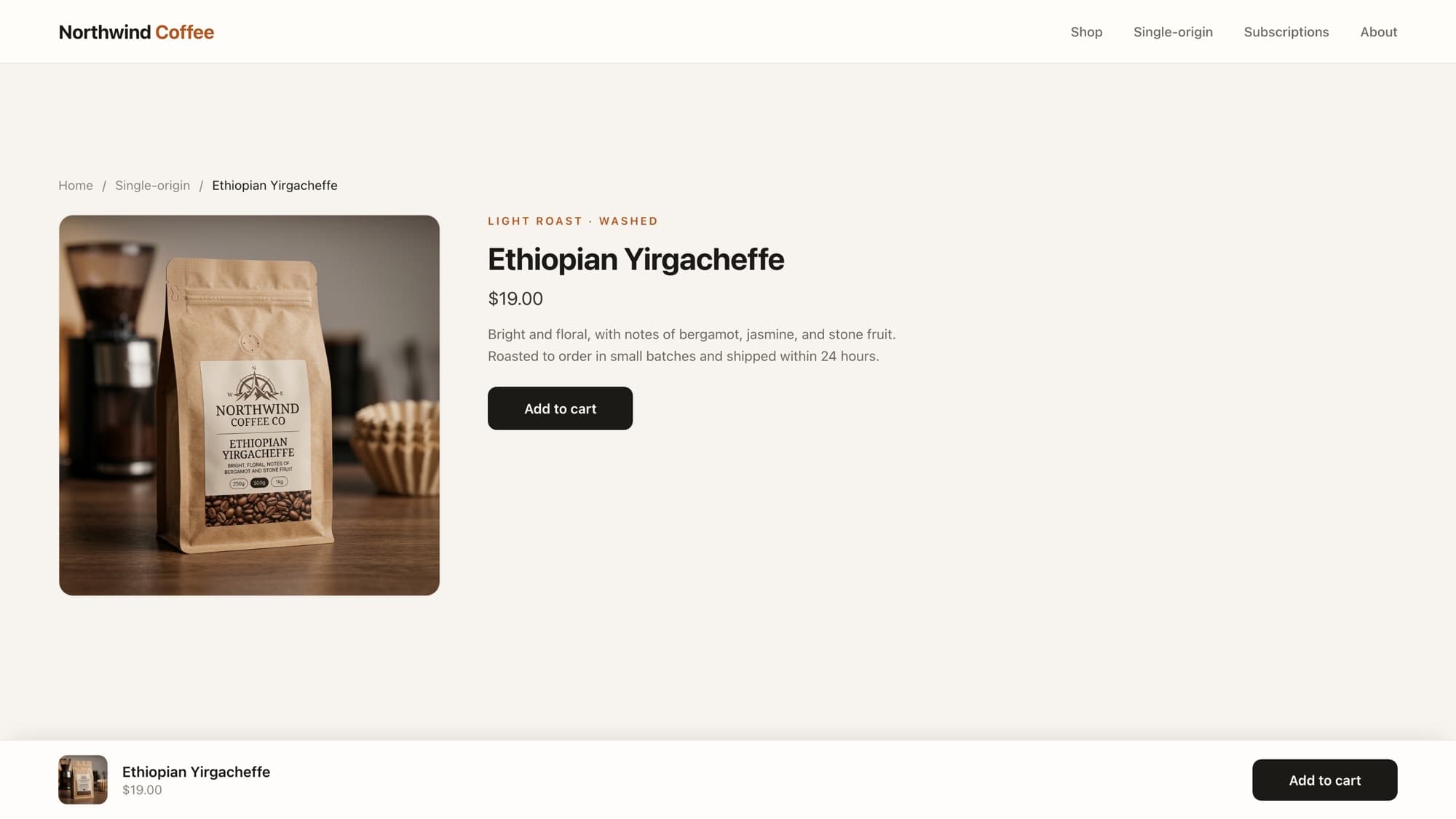
"Only 3 left in stock" is a small line with an outsized effect on conversion, scarcity nudges the shopper to act. In Shopify, the number comes from variant.inventory_quantity, and the whole feature is one conditional. The catch is in the edge cases.
The basic low-stock message
{% assign variant = product.selected_or_first_available_variant %} {% if variant.inventory_quantity > 0 and variant.inventory_quantity <= 10 %} <p class="low-stock">Only {{ variant.inventory_quantity }} left in stock</p>{% endif %}The double condition is the important part: show the message only when stock is between 1 and 10. The > 0 check is what stops it from rendering "Only 0 left" or a negative number.
The inventory-tracking gotcha
inventory_quantity can be 0 even for in-stock items
If a variant has inventory tracking turned off, inventory_quantity is 0 regardless of real stock, and the item can still be purchased. Check inventory_management before trusting the number, or you'll flash "low stock" on products that have unlimited availability.
{% if variant.inventory_management == "shopify" and variant.inventory_quantity > 0 and variant.inventory_quantity <= 10 %} <p class="low-stock">Only {{ variant.inventory_quantity }} left in stock</p>{% endif %}Sold out vs. low stock
Pair the warning with a proper sold-out state. variant.available is the reliable "can this be bought right now" boolean, it already accounts for tracking and oversell settings:
{% unless variant.available %} <p class="sold-out">Sold out</p>{% endunless %}Tip
Use variant.available for the buy/sold-out decision and variant.inventory_quantity only for the count shown in the low-stock message. They answer different questions.
Keeping it in sync with the variant picker
Because the message reflects selected_or_first_available_variant, it only updates on selection if your theme re-renders on variant change. In modern themes the variant picker handles that; if yours doesn't, you'll want to update the count in JavaScript when the variant changes, the same pattern as a live price update.
What AI tools get wrong here
The recurring miss is trusting inventory_quantity without checking inventory_management, so untracked products show a bogus "low stock," and conflating available with the raw count. Knowing which field answers "can I buy it" versus "how many are there" is the production-grade distinction.
Learn this properly · free lesson
Show 'Only N left' next to each variant
Build the low-stock warning on a real product in the interactive editor, including the tracking gotcha. Free lesson, try it without signing up.
Try this lesson — freeFrequently asked questions
How do I show stock quantity in Shopify?
Use variant.inventory_quantity on the selected variant, e.g. product.selected_or_first_available_variant.inventory_quantity. Guard it so you only show a count when it's positive and below your threshold.
Why does my product show 'Only 0 left' or a negative number?
Either inventory tracking is off (inventory_quantity is 0 regardless of real stock) or overselling is allowed. Check variant.inventory_management == "shopify" and require inventory_quantity > 0 before rendering the message.
What's the difference between variant.available and inventory_quantity?
variant.available is a boolean for whether the variant can be purchased right now (it accounts for tracking and oversell settings). inventory_quantity is the raw count. Use available for sold-out logic, inventory_quantity only for the displayed number.
Why doesn't the stock message update when I change variants?
It reflects the selected variant at render time. If your theme doesn't re-render on variant change, update the count in JavaScript when the picker changes, the same approach as a live price update.
Start free
Ready to become a Shopify developer?
You just read how it works. Now write it yourself: real tickets from a live store, in an editor where the storefront updates as you type. Module 1 is free, no card.
Free · No credit card · Your first win in minutes
About the author
Bas Lefeber, Founder, learnshopify.dev
Bas builds learnshopify.dev, where developers learn production-grade Shopify theme development against a live storefront. He writes about Liquid, theme architecture, and the parts of the job that still matter now that AI writes the code.
Keep going in the curriculum