For agencies and in-house teams
Train your developers on real Shopify work.
Each lesson is a task a developer would get at an agency, and every task is checked. Your new developers get feedback right away, without taking time from your senior developers.
Ask for a team quote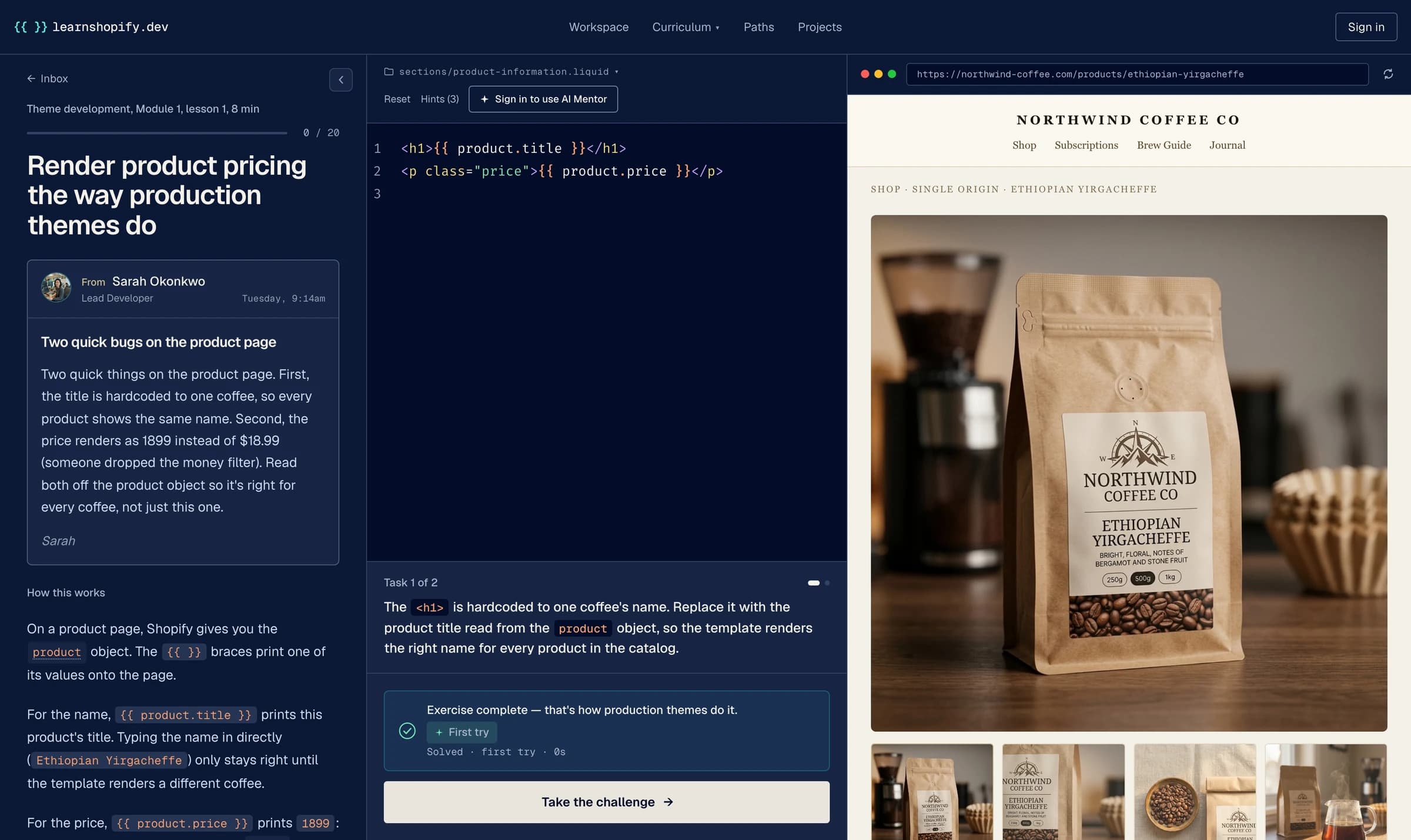
$ npx @learnshopifydev/cli check manage-your-bundles

Looking at your Bundles page, its delete and your home page  manage-your-bundles
✓ Your Bundles page lists the bundles your app logged
Your app reads its logged bundles back from BundleLog.✕ Your app can delete a bundle: the product on the store and its row in the log
Your app deletes the row in BundleLog, and never deletes the bundle's product on the store.
expected  the product is deleted on the store
found     only the BundleLog row is deleted✓ Your app's home page shows this store's bundles
app/routes/app._index.tsx shows data from its loader, and your app reads this store's bundles from BundleLog.✓ Your app builds
npm run build succeeded.
Not there yet. Fix what is listed above and run this again.
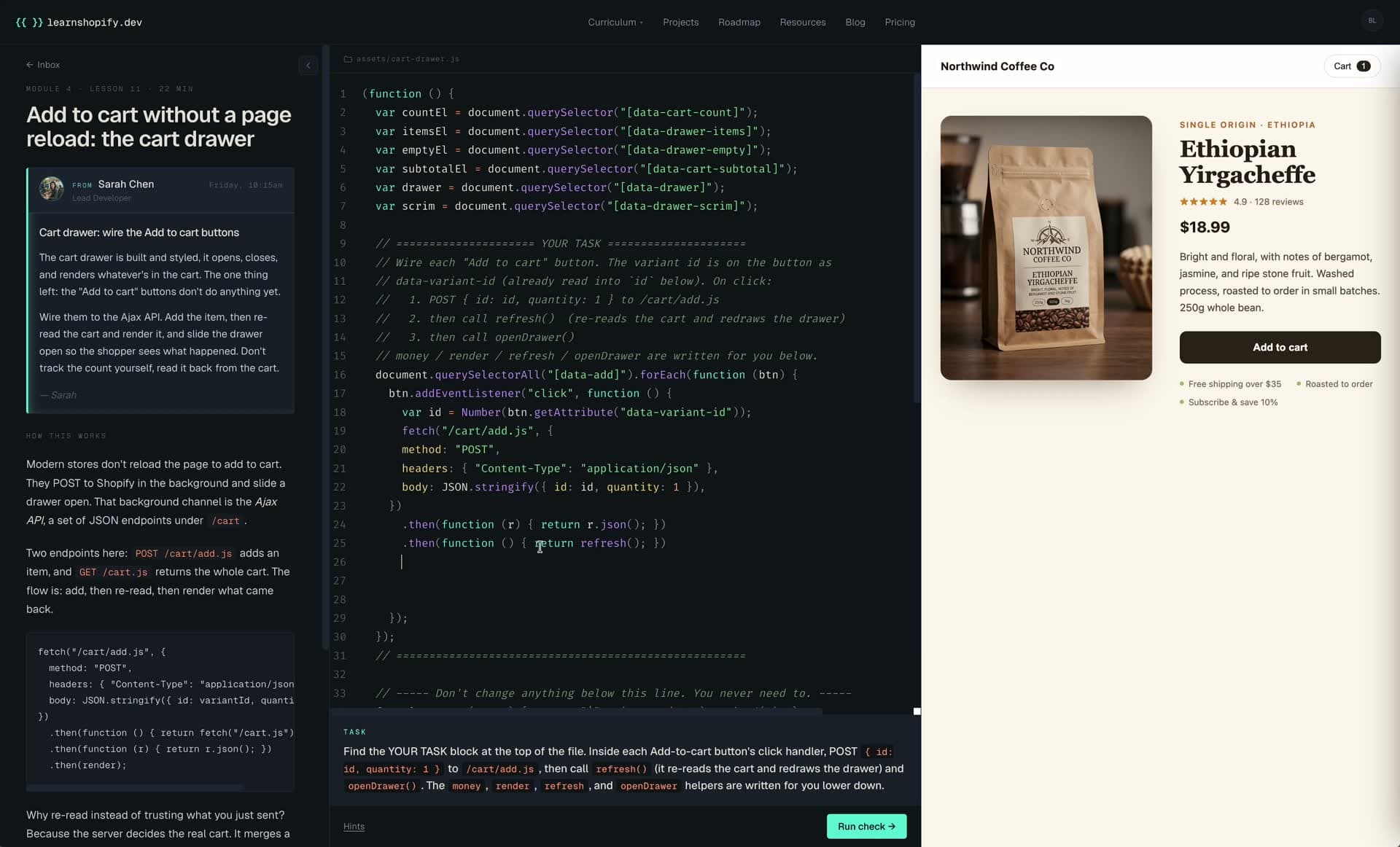
Theme development, 168 lessons
Five modules, from the first line of Liquid to cart drawers, filters and the Admin API. It all runs in the browser, so there is nothing to install.
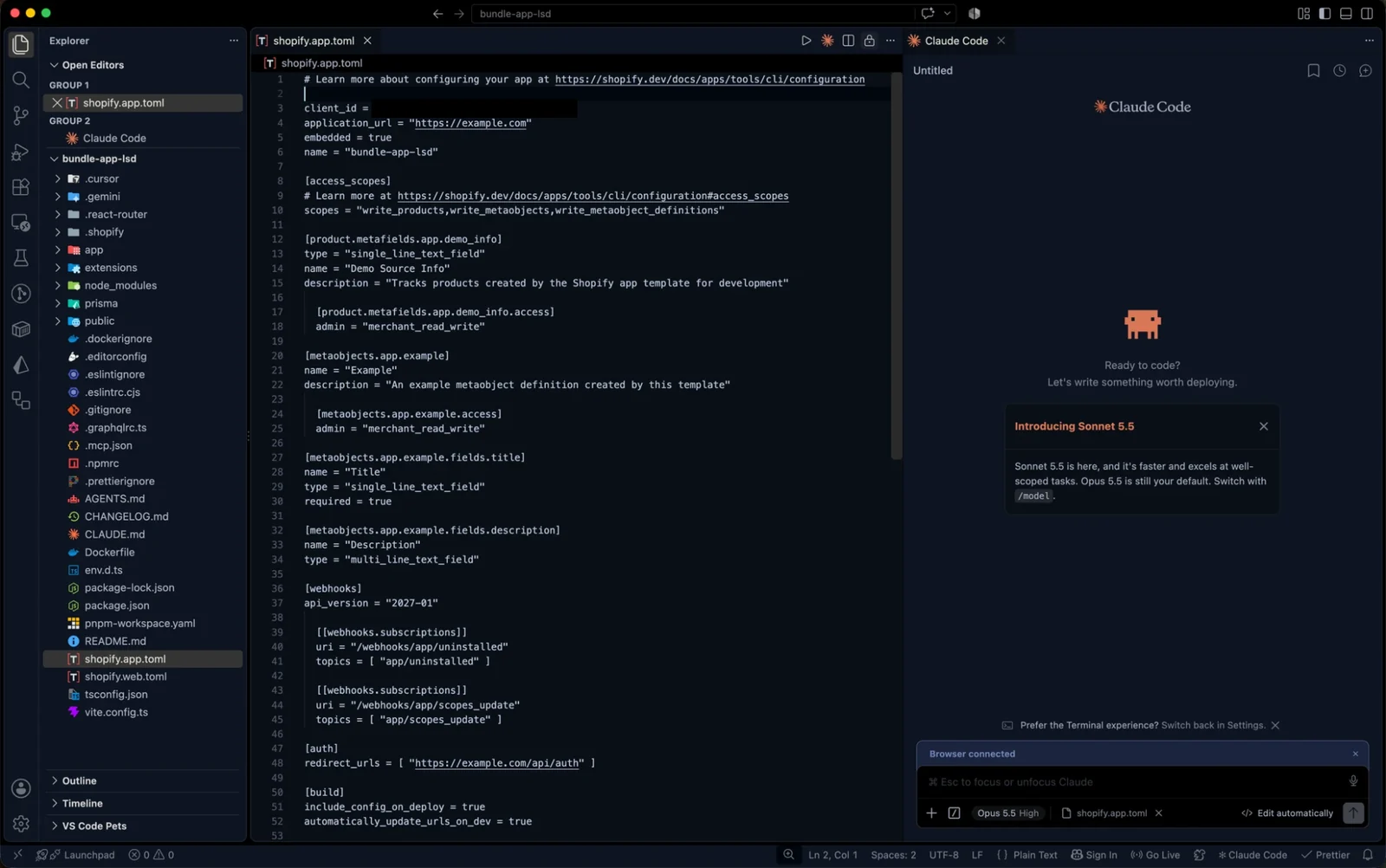
App development, 43 lessons
Each developer builds one real app with an AI coding agent, on their own free development store. Their code and their store are checked at every step.
<p class="price" style="color: red">
  {{ product.price }}
</p>
2 changes requested
- Pipe the price through the
moneyfilter:{{ product.price | money }}. Otherwise it renders as1899instead of$18.99. - Avoid inline
style="..."attributes: production themes use CSS classes so styles stay overridable and themeable.
Checked like a code review
Not only "does it work". The checks also catch inline styles, prices without the money filter and other things a reviewer would send back. Some lessons ask them to review code an AI wrote.
Getting started
How it works
I set up every team myself. It takes four steps.
- 1Fill in the form: how many developers, and what they work on.
- 2I send you a price and one invoice for the whole team.
- 3Each developer makes a free account. I turn on Pro for every account on the invoice.
- 4They start with Module 1 or go straight to the app path. Each module they finish gives them a certificate with a link you can check.
You pay per developer per year, with a lower price from 10 developers. Minimum 3 developers, billed yearly on one invoice. Your quote has the exact price. Your developers can try it first: Module 1 is free.
Onboarding someone this month? The free two-week checklist for a new Shopify developer covers access, the first tasks, a code review and a sign-off list.
Ask for a team quote
Takes a minute. I reply to every request myself.