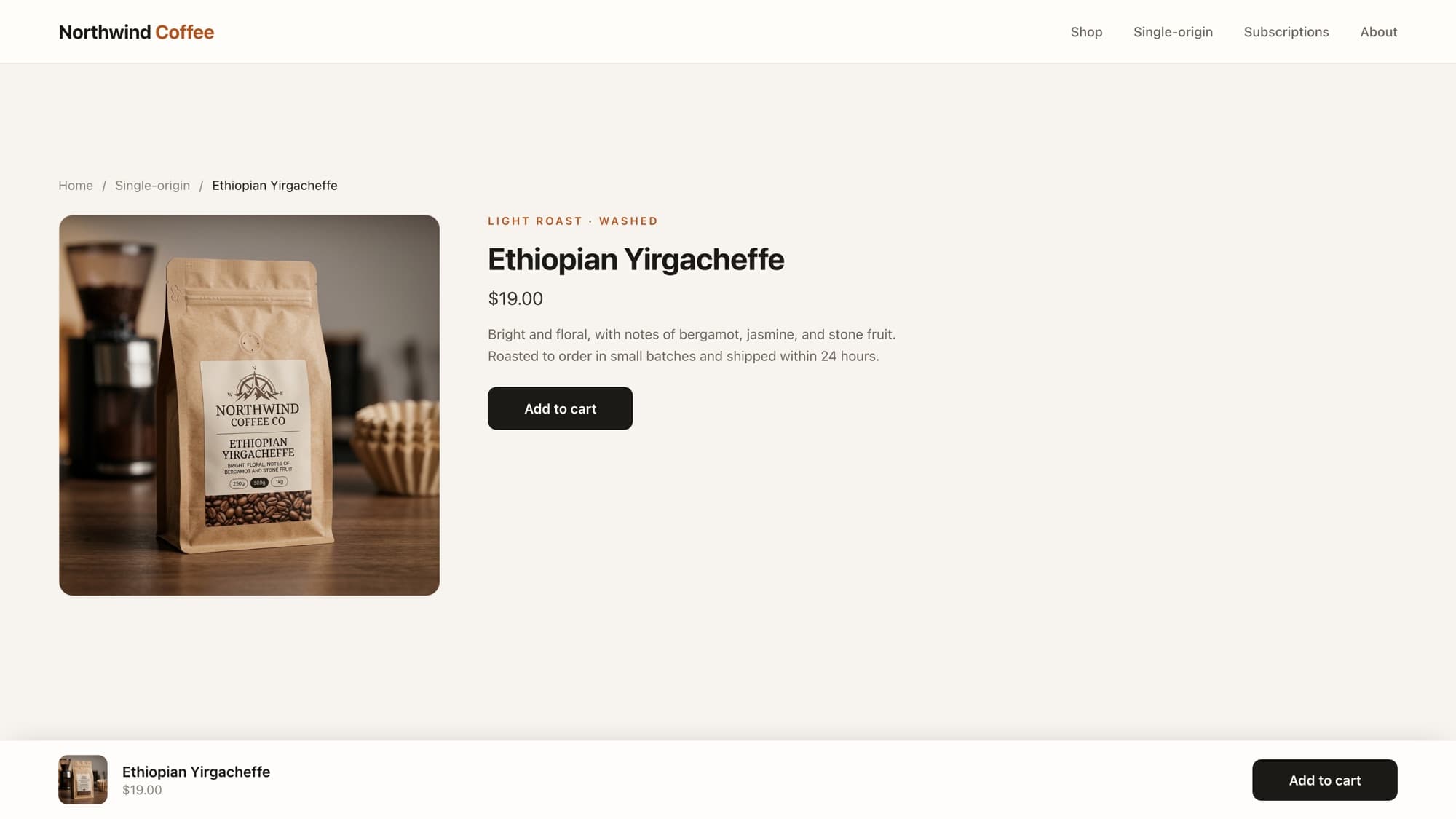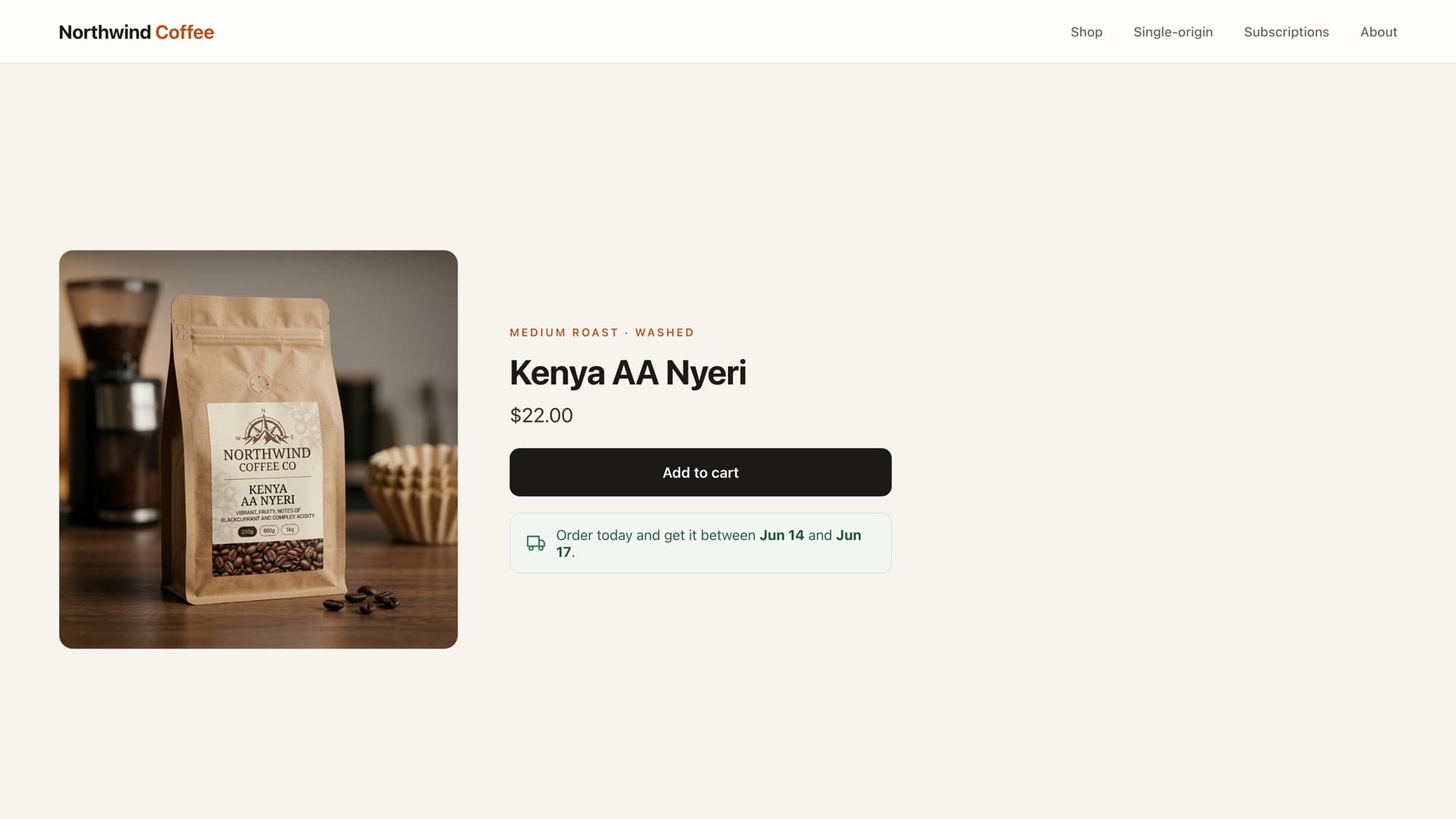
A Sold out badge on the product card tells shoppers an item is unavailable before they click into it, which saves a frustrating round trip and makes the rest of your catalog look more alive. Pair it with a subtle Only 3 left badge on low-stock items and you have a gentle, honest urgency cue. Both are a few lines of Liquid, no app.
This guide covers the one-line sold-out check, the inventory fields you need for low-stock, where the badge goes in a product card, and the privacy mistake that exposes your exact stock numbers to competitors.
The simplest version: product.available
Shopify gives every product a boolean, product.available, that is false when every variant is out of stock. That is all you need for a basic sold-out badge:
{% unless product.available %} <span class="badge badge--sold-out">Sold out</span>{% endunless %}Drop that inside your product-card markup, near the image. unless is just if not, so this renders the badge only when the product is unavailable. The product object documents available as true when at least one variant is in stock or set to continue selling.
Adding a low-stock badge
"Only a few left" is more persuasive than "Sold out" is discouraging. To show it honestly you need the variant's real inventory, which lives on the variant object. Here is the combined badge: sold out first, otherwise low-stock when the count is genuinely low.
{% assign current_variant = product.selected_or_first_available_variant %} {% unless product.available %} <span class="badge badge--sold-out">Sold out</span>{% else %} {% if current_variant.inventory_management == 'shopify' and current_variant.inventory_policy == 'deny' %} {% if current_variant.inventory_quantity > 0 and current_variant.inventory_quantity <= 5 %} <span class="badge badge--low">Only {{ current_variant.inventory_quantity }} left</span> {% endif %} {% endif %}{% endunless %}Why all those inventory checks
inventory_management == 'shopify'confirms Shopify is actually tracking stock for this variant. If a merchant does not track inventory,inventory_quantityis meaningless and you would show a fake "Only 0 left".inventory_policy == 'deny'means the store stops selling at zero. If the policy iscontinue(oversell allowed), a low-stock badge is misleading because they will happily keep selling.inventory_quantity > 0 and ... <= 5is the actual "running low" window. Tune the5to taste, and keep the> 0so a zero-stock continue-selling variant never shows "Only 0 left".
The privacy trap: don't broadcast exact counts
Printing Only {{ current_variant.inventory_quantity }} left on every card publishes your precise stock levels to anyone, including competitors who can now estimate your sell-through. Many stores prefer a threshold message (Low stock or Selling fast) instead of the raw number. It is the same if, just a different string.
Styling the badges
.badge { display: inline-block; padding: 0.25rem 0.6rem; border-radius: 999px; font-size: 0.72rem; font-weight: 600; letter-spacing: 0.02em;}.badge--sold-out { background: rgba(0, 0, 0, 0.06); color: rgba(0, 0, 0, 0.55);}.badge--low { background: #fff3e6; color: #b3541e;}Place it as an overlay
For the classic look, wrap your card image in a position: relative container and absolutely position the badge in a corner. Keep the markup order image-then-badge so the badge sits on top without extra z-index gymnastics.
Showing it across a collection
The badge lives in the product-card snippet, so it appears everywhere that card is rendered: collection pages, search results, featured-product sections. If you are looping products yourself, the pattern is the same one from looping a collection's products, with the badge snippet rendered inside the loop.
This pairs naturally with two other card cues: a sale badge from compare-at price and a fuller treatment of low-stock warnings. Just be careful not to stack three badges on one card; pick the one that matters most for that product.
What AI tools get wrong here
- Skipping the inventory_management check, so stores that don't track stock show a nonsense "Only 0 left" on every product.
- Ignoring inventory_policy, so continue-selling variants that never actually run out still flash a fake-urgency badge.
- Exposing the raw count by default without flagging that it leaks your stock data. A senior dev raises that tradeoff with the merchant; an AI draft usually just prints the number.
Learn this properly · free lesson
Show 'Only N left' next to each variant
Build a real low-stock warning step by step in our interactive editor, against a live store, with the inventory edge cases handled and a reviewer checking your work.
Try this lesson for freeWrapping up
One line gets you a correct sold-out badge. The low-stock version is only a few more, but the value is entirely in the guards: tracking, policy, and the choice of whether to reveal the real number. That judgment is what separates a badge that helps from one that lies to your shoppers.
Frequently asked questions
How do I show a sold out badge in Shopify?
Render a badge inside your product-card snippet wrapped in {% unless product.available %}. product.available is false when every variant is out of stock, so the badge appears automatically on unavailable products across collection and search pages.
How do I show how many items are left in stock?
Read current_variant.inventory_quantity, but only after confirming inventory_management is 'shopify' and inventory_policy is 'deny'. Without those checks you risk showing inventory numbers for products that don't track stock or that are set to oversell.
Should I display the exact stock number?
Often no. Printing the precise count publishes your stock levels to competitors. Many stores show a threshold message like 'Low stock' or 'Selling fast' instead of the raw number, using the same low-stock condition.
Does a sold out badge need an app?
No. It is a few lines of Liquid in your product-card snippet. Apps are only worth it if you want non-developers to configure badge rules and designs without touching theme code.
- Liquid
- Conversion
- Product cards
About the author
Bas Lefeber, Founder, learnshopify.dev
Bas builds learnshopify.dev, where developers learn production-grade Shopify theme development against a live storefront. He writes about Liquid, theme architecture, and the parts of the job that still matter now that AI writes the code.
Keep going in the curriculum