Product page
Build a Shopify sale & discount badge
A 'Save $6.00 (24%)' badge that appears only on discounted products, computed from compare-at price in pure Liquid. No app, no JavaScript.
The finished feature
Here's what you'll build
- 01A badge that shows only when a product is actually on sale
- 02The exact money saved, formatted with the money filter
- 03The discount percentage, computed from compare-at price
- 04Pure Liquid, so it works on any theme with no JavaScript
Before you start
- Comfortable editing a Shopify theme in the Liquid editor
- You've seen `{% if %}` and the `money` filter before
Interactive build
Build it yourself, in a real editor.
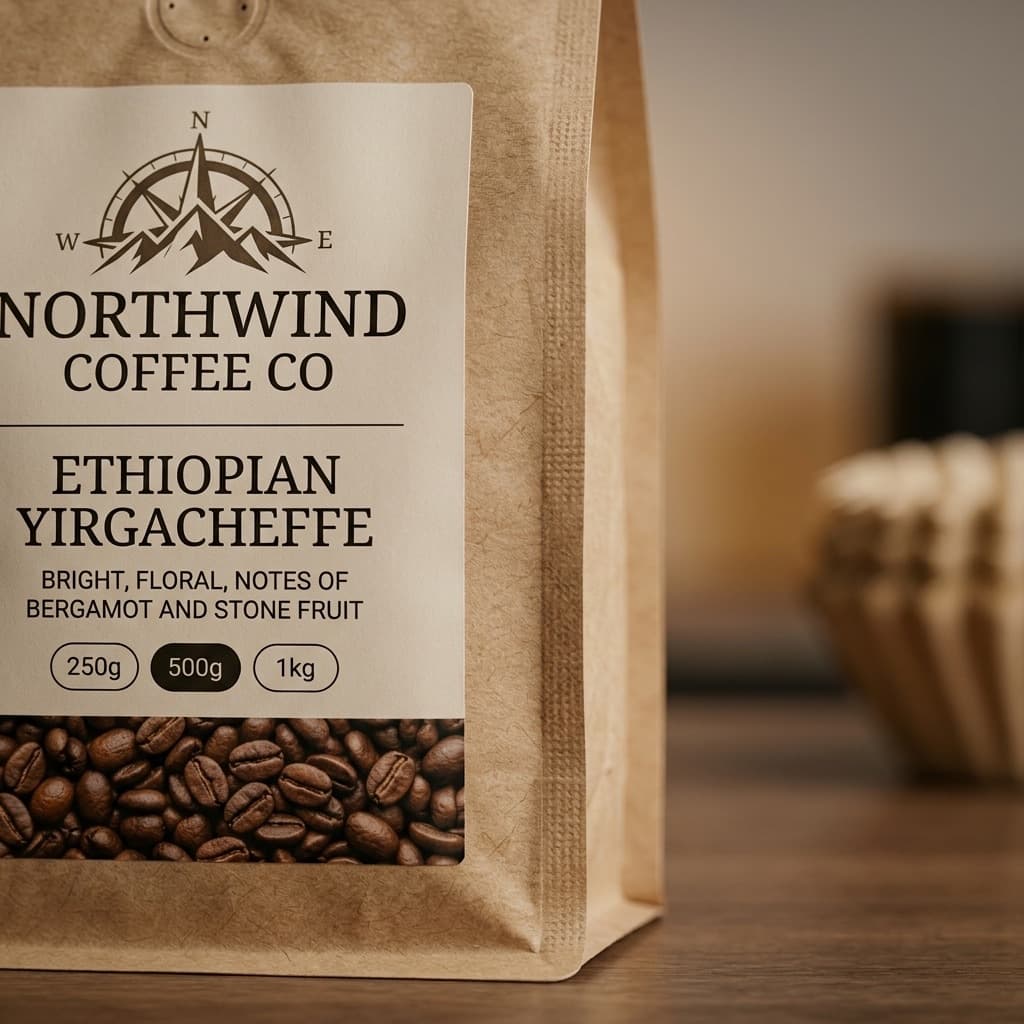
Build it for real, here. You'll write the discount logic into a pre-styled Northwind product card and watch the badge appear, two short steps.
2 steps · 12 minutes · free, no signup
Prefer to read the full written walkthrough first? The step-by-step article has every line of code explained.
In the curriculum
Learn this properly
This project shows you the working code. To actually internalize the patterns behind it (so you can build the next feature without copying), take the matching lessons in the platform. Module 1 is free.
- 01Add a Sale badge to discounted itemsYou can detect a sale by comparing `product.compare_at_price` to `product.price`, and you know why a presence check is the wrong test.
- 02Render product pricing the way production themes doYou can render product data in a theme template using the right Liquid objects and filters: the same patterns Shopify's stock themes use, the same patterns a code reviewer would expect.
FAQ
Why compare_at_price > price instead of checking it's present?
A product can have a compare_at_price equal to or below its price (leftover data, or a price that went back up). Comparing the two values is the only reliable 'is it actually on sale right now' check; a presence check shows phantom badges.
Does the percentage round correctly?
Liquid's divided_by does integer division when both sides are integers (cents), so you get a whole-number percent. For $6.00 saved on a $24.99 compare-at that's 24%. If you want decimals, cast with times: 100.0, but whole numbers read better on a badge.
Where do I render this?
Anywhere you show the product: the PDP price block, the product card snippet on collection pages, or both. It reads only product.price and product.compare_at_price, which exist in every product context.
Found a bug, a better pattern, or want to suggest the next project? Email hello@learnshopify.dev.