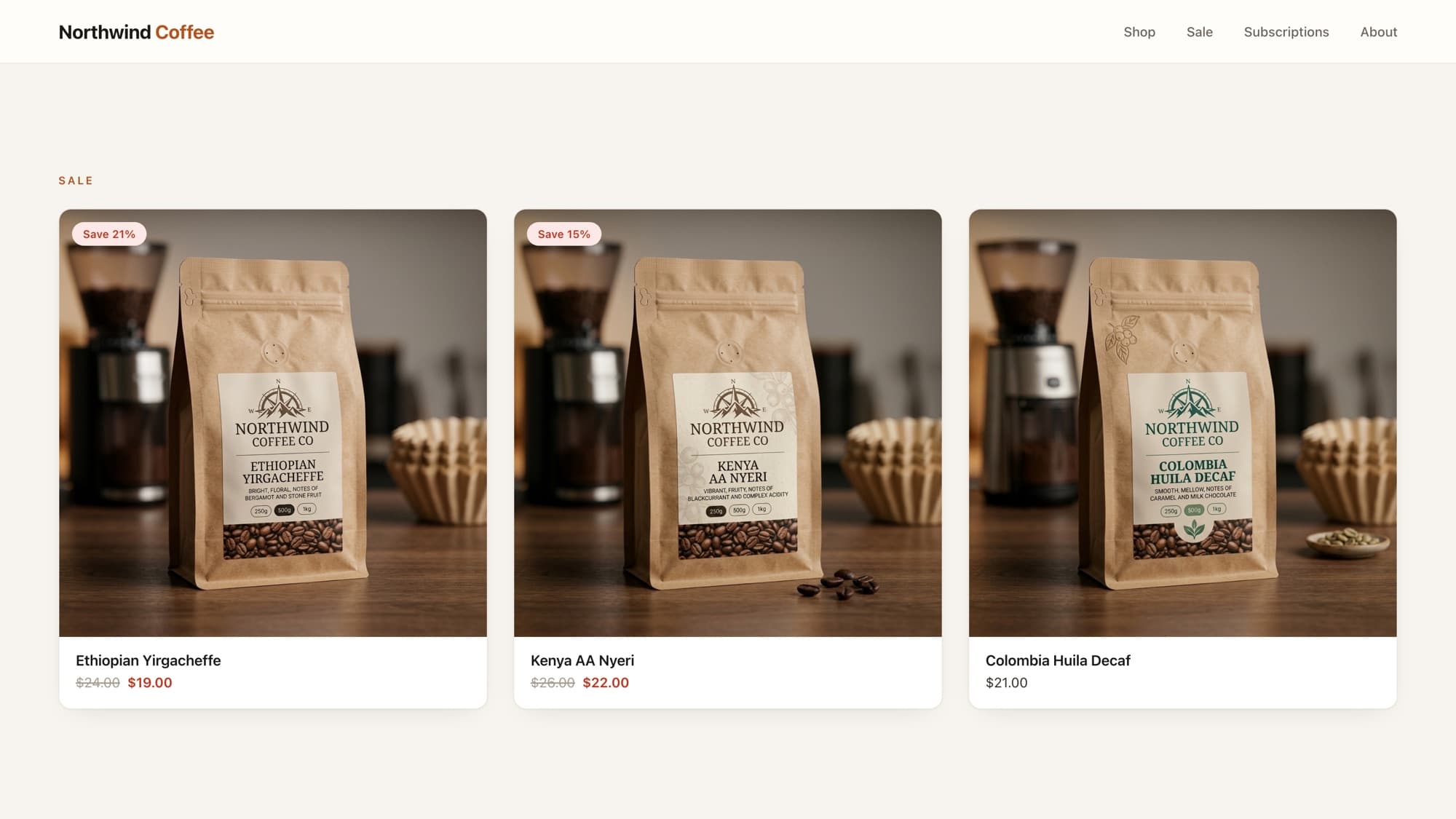
A bag of coffee that's $18.99 for 250g and $32.00 for 1kg shouldn't show a flat "$18.99" on its card, that under-promises the range and confuses shoppers at checkout. The convention is From $18.99, and Shopify gives you the exact fields to build it.
price_min and price_max
Every product exposes the cheapest and most expensive variant price:
{{ product.price_min | money }} {# 1899 → $18.99 #}{{ product.price_max | money }} {# 3200 → $32.00 #}Only show "From" when prices differ
If every variant is the same price, "From" is just noise. Shopify has a boolean for exactly this, product.price_varies:
{% if product.price_varies %} <span>From {{ product.price_min | money }}</span>{% else %} <span>{{ product.price | money }}</span>{% endif %}Tip
There's also product.compare_at_price_varies if you're showing struck-through original prices and need the same "do they differ?" check for the compare-at range.
Showing a full range
Some stores prefer the full span instead of a "from" price:
{% if product.price_varies %} <span>{{ product.price_min | money }} - {{ product.price_max | money }}</span>{% else %} <span>{{ product.price | money }}</span>{% endif %}Don't hand-roll the min/max
It's tempting to loop product.variants and track the lowest price yourself. Don't, price_min and price_max already exist, are faster, and won't drift out of sync with Shopify's own logic. Looping variants to recompute what the platform hands you is a classic over-engineering tell.
What AI tools get wrong here
AI assistants love to loop product.variants and build the min/max by hand, or they show "From" unconditionally even when all variants cost the same. Reaching for price_min/price_max plus the price_varies boolean is the cleaner, production-grade answer.
Learn this properly · free lesson
Display 'from $X' for multi-variant products
Build the "From $X" price on a real multi-variant product in the interactive editor, with the price_varies guard. Free lesson, no signup needed.
Try this lesson for freeFrequently asked questions
How do I show "from" pricing in Shopify?
Use product.price_min with the money filter, guarded by product.price_varies: show "From {{ product.price_min | money }}" only when variants differ, otherwise show the single price.
What's the difference between price, price_min, and price_max?
price is the current/first variant price, price_min is the cheapest variant, and price_max is the most expensive. On multi-variant products, use price_min/price_max for accurate card pricing.
How do I know if a product's variants have different prices?
Check product.price_varies, it's true when the variants span more than one price, so you can conditionally show "From" or a range instead of a single number.
Should I loop variants to find the lowest price?
No. Shopify already provides price_min and price_max. Looping product.variants to recompute them is slower and risks drifting from Shopify's own logic.
- Liquid
- Pricing
- Variants
About the author
Bas Lefeber, Founder, learnshopify.dev
Bas builds learnshopify.dev, where developers learn production-grade Shopify theme development against a live storefront. He writes about Liquid, theme architecture, and the parts of the job that still matter now that AI writes the code.
Keep going in the curriculum