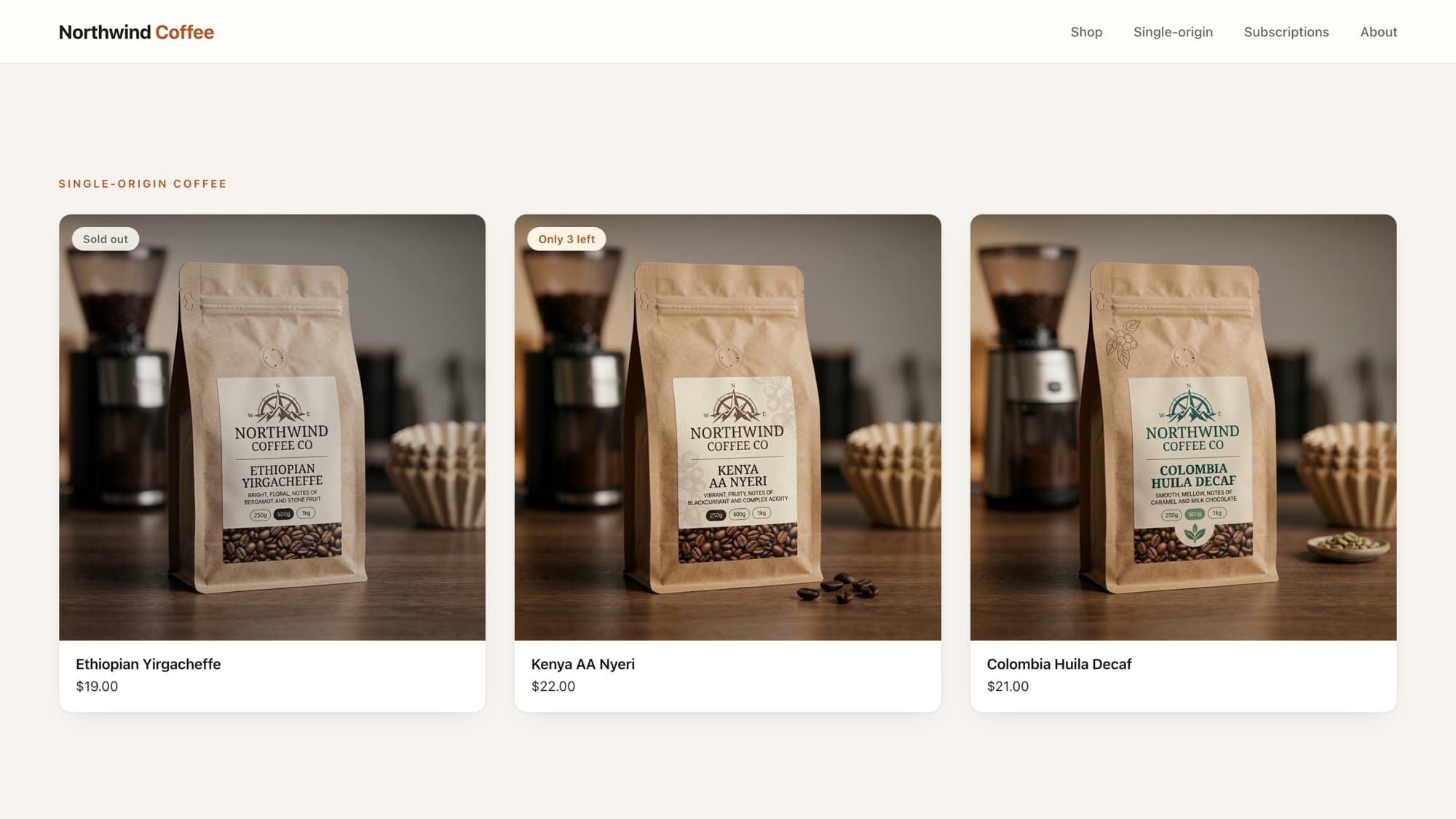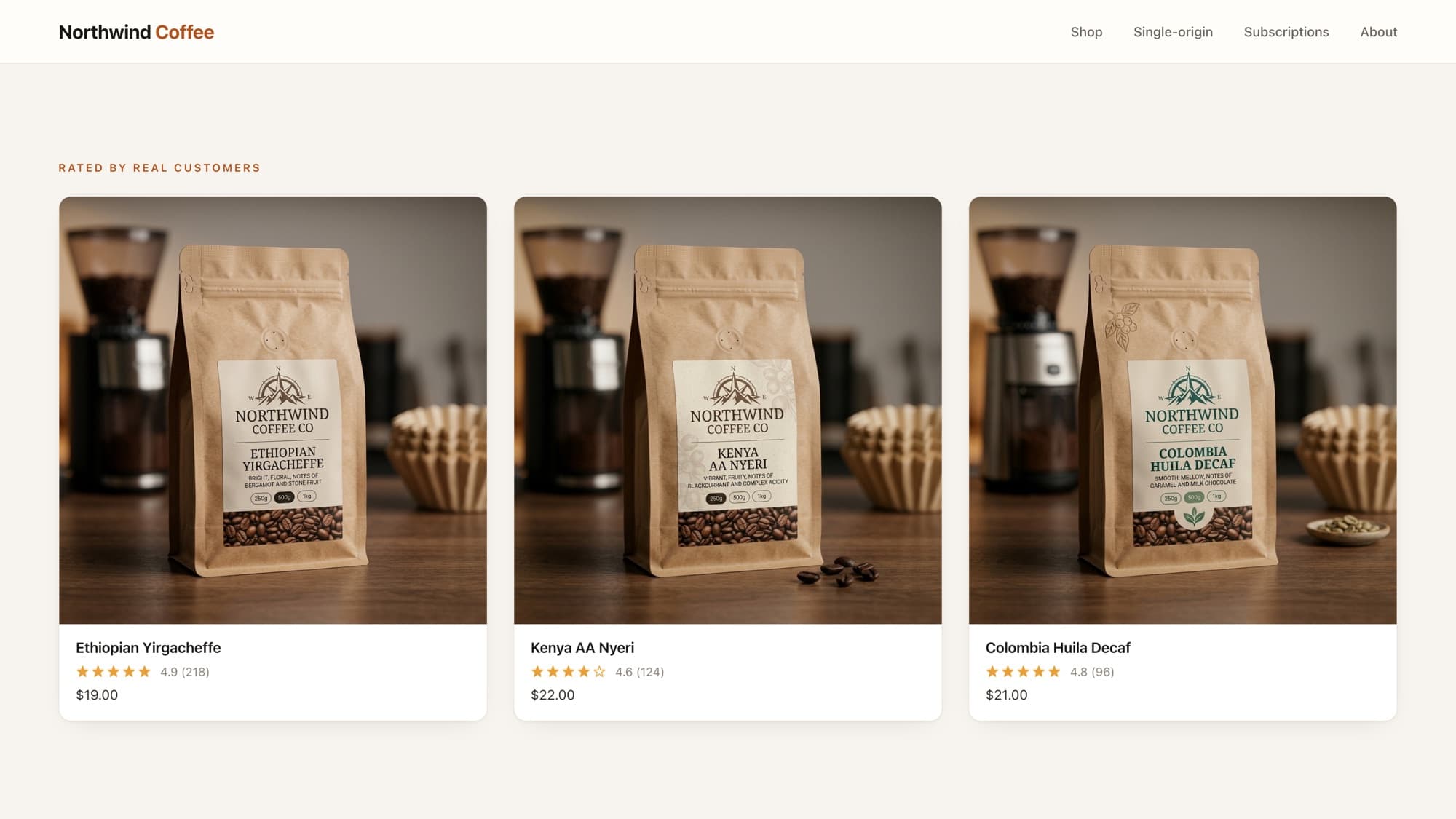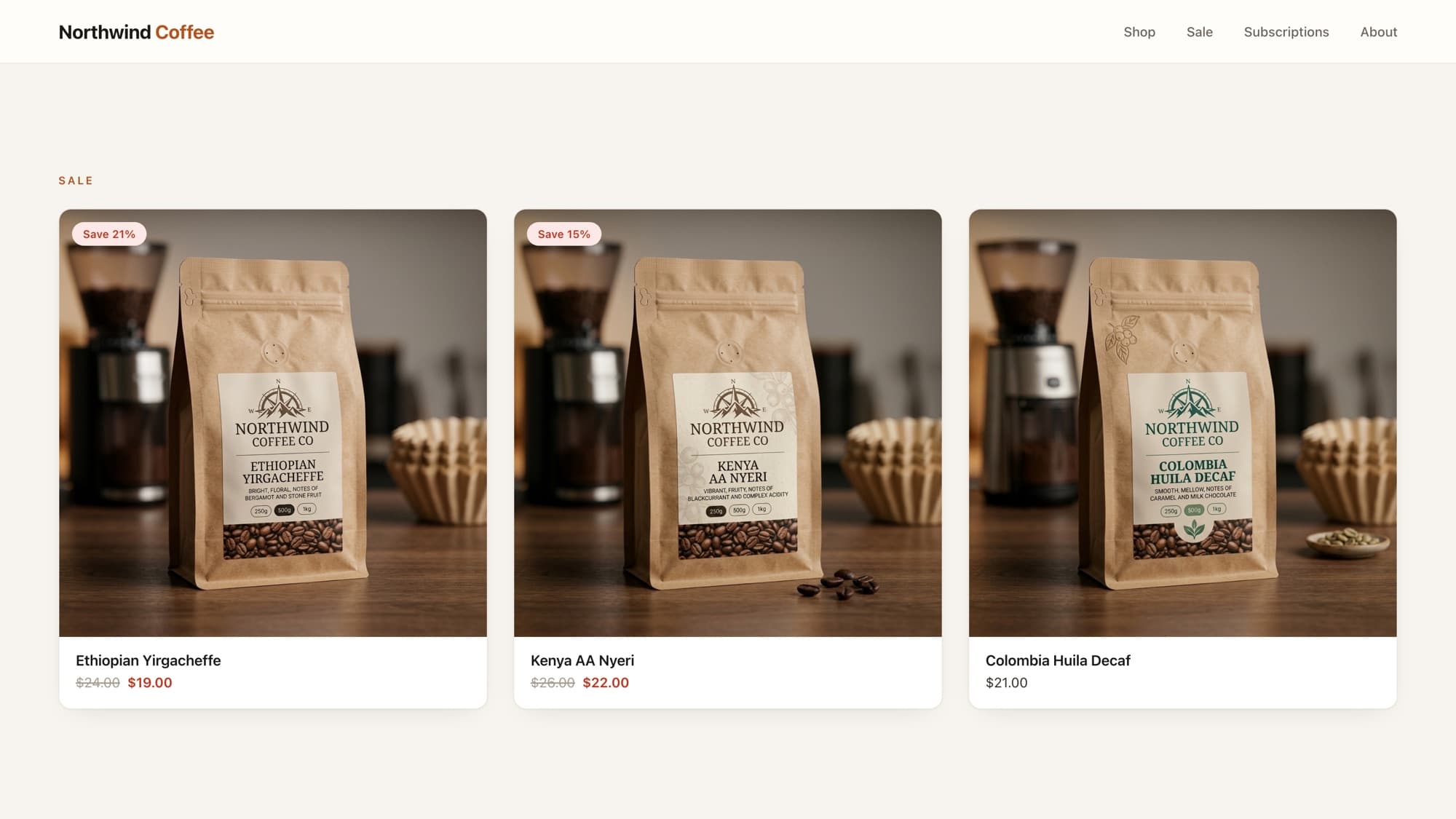
Long product titles wreck a tidy product grid: one card wraps to three lines while its neighbors sit at one, and the whole row goes ragged. The fix is to cap the length in Liquid with truncate or truncatewords.
truncate: cap by character count
{{ product.title | truncate: 40 }}{# "Single Origin Ethiopian Yirgacheffe Whole..." #}truncate: 40 limits the string to 40 characters including the trailing ellipsis. If the text is already shorter, it's left untouched.
truncatewords: cap by word count
{{ product.title | truncatewords: 5 }}{# "Single Origin Ethiopian Yirgacheffe Whole..." #}For titles, truncatewords usually reads better than truncate because it never cuts a word in half.
Custom ellipsis
Both filters take an optional second argument for what to append instead of the default ...:
{{ product.title | truncate: 40, "" }} {# no ellipsis #}{{ product.title | truncatewords: 5, " →" }} {# custom suffix #}Truncating a description? Strip HTML first
The gotcha
Product descriptions contain HTML. Truncating raw HTML can slice through a tag and leave broken markup like <stro on the page. Always strip_html before you truncate a description:
{{ product.description | strip_html | truncatewords: 25 }}Tip
For titles, prefer truncating in Liquid over a CSS line-clamp when you want the text in the page source (e.g. for the meta description or accessibility). Use CSS clamping when you only need a visual cap and want the full text to stay in the DOM.
What AI tools get wrong here
The classic mistake is truncating a description without stripping HTML first, producing broken tags in the output. The other is reaching for truncate (mid-word cuts) when truncatewords would read cleaner. Both are easy to spot once you know the filters exist.
Learn this properly · free lesson
Truncate long product titles on cards
Tame long titles on a real product card in the interactive editor, with a reviewer checking your filter choice. Free lesson, no signup needed.
Try this lesson for freeFrequently asked questions
What's the difference between truncate and truncatewords?
truncate caps a string by character count (and can cut mid-word). truncatewords caps by number of words, so it never breaks a word in half. For titles, truncatewords usually reads better.
Does truncate count the ellipsis?
Yes. truncate: 40 returns at most 40 characters including the trailing ellipsis, so the visible text is slightly shorter than 40 characters.
How do I truncate without the three dots?
Pass an empty string as the second argument: {{ text | truncate: 40, "" }}. You can also pass any custom suffix, like " →".
Why is my truncated description showing broken HTML?
Because you truncated raw HTML and cut through a tag. Run strip_html before truncatewords/truncate: {{ product.description | strip_html | truncatewords: 25 }}.
- Liquid
- String filters
- Product cards
About the author
Bas Lefeber, Founder, learnshopify.dev
Bas builds learnshopify.dev, where developers learn production-grade Shopify theme development against a live storefront. He writes about Liquid, theme architecture, and the parts of the job that still matter now that AI writes the code.
Keep going in the curriculum