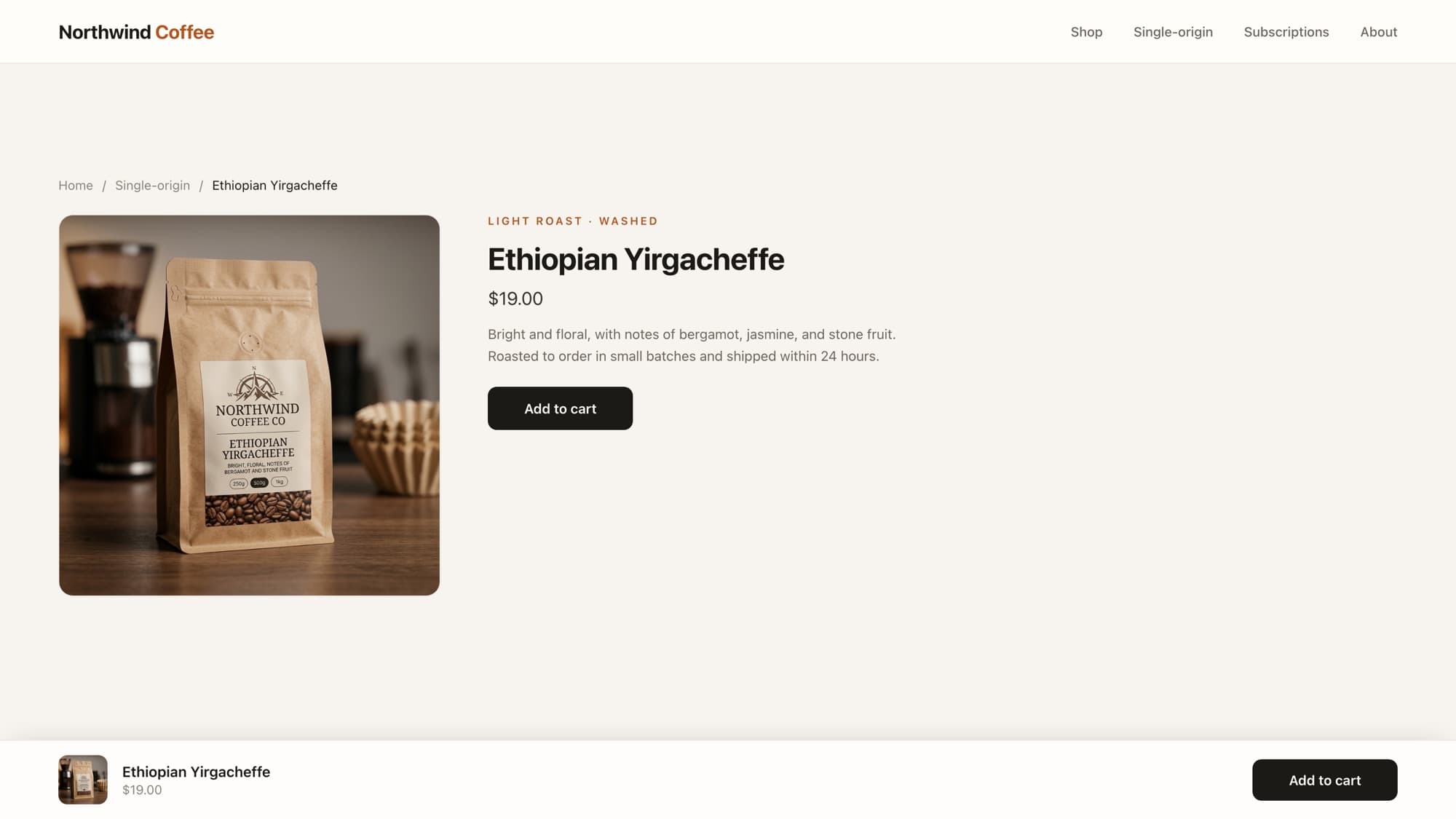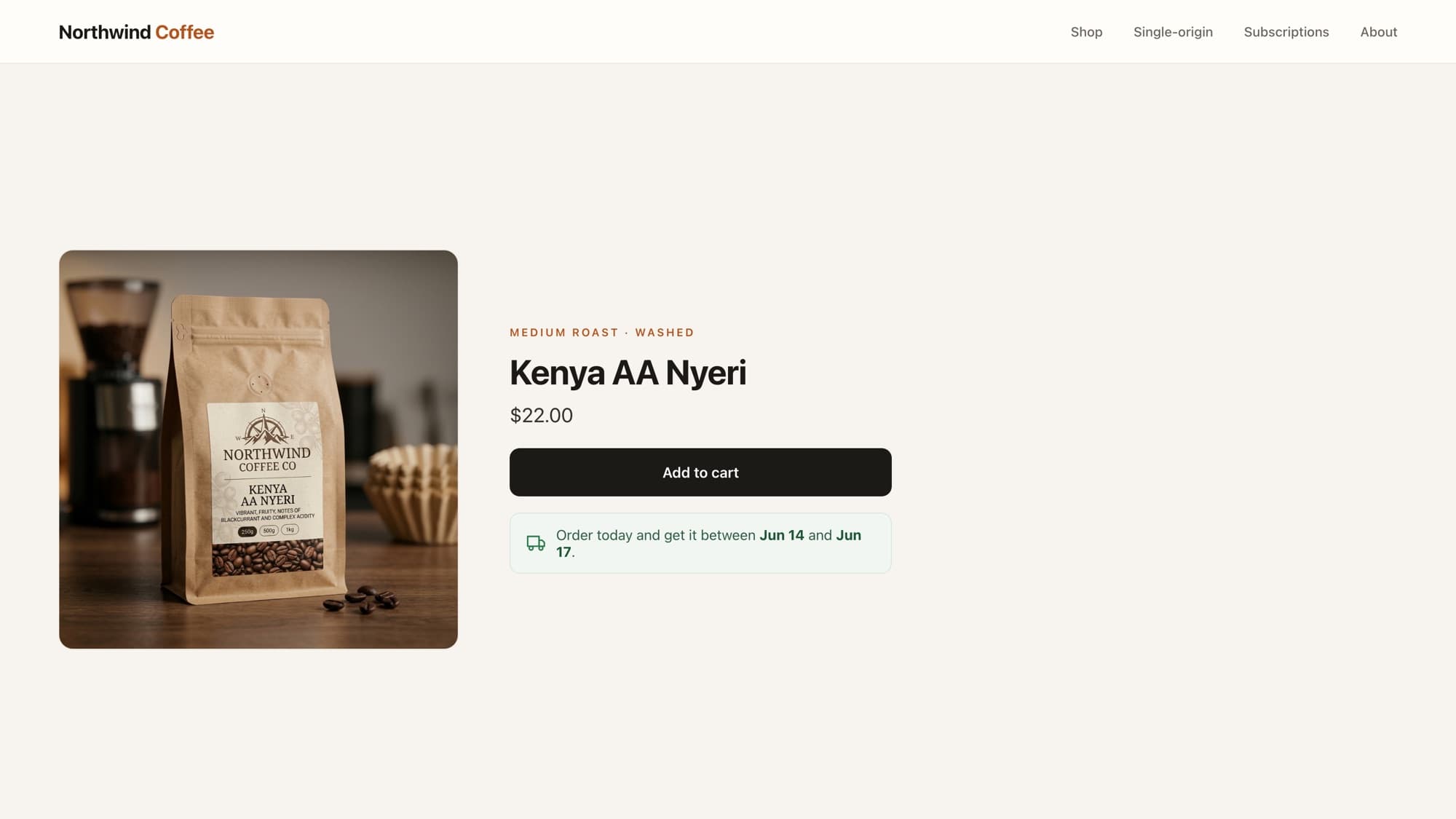
A You may also like row on the product page is one of the simplest ways to lift average order value: it keeps shoppers browsing instead of bouncing. You do not need an app for it. Shopify even ships a recommendation engine you can call for free.
There are two routes, and the right one depends on how good you want the suggestions to be. We will build the quick version first, then the native, genuinely-related version that Shopify recommends for production.
Option 1: the quick collection-based version
The fastest approach shows other products from the same collection. It is pure Liquid, renders on the initial page load, and is good enough for small catalogs:
{% if product.collections.size > 0 %} {% assign related = product.collections.first.products %} <div class="related-products"> {% for related_product in related limit: 8 %} {% unless related_product.id == product.id %} <a href="{{ related_product.url }}" class="related-products__card"> {{ related_product.featured_image | image_url: width: 400 | image_tag: loading: 'lazy', alt: related_product.title }} <p class="related-products__title">{{ related_product.title }}</p> <p class="related-products__price">{{ related_product.price | money }}</p> </a> {% endunless %} {% endfor %} </div>{% endif %}product.collections.first.productsis the pool of candidates. Thelimit: 8keeps it small (and stays well under Liquid's 50-iteration ceiling on for loops).{% unless related_product.id == product.id %}hides the product you are already looking at, the single most common bug in homemade related-product rows.- The image uses
image_url+image_tagwithloading: 'lazy'so the thumbnails do not block the page. Prices go through the money filter, never a hardcoded symbol.
The catch with the quick version
"Same collection" is not the same as "related". The first collection might be a huge "All products" catalog, and the order is not based on what shoppers actually buy together. For a real store, reach for the native engine below.
Option 2: Shopify's Product Recommendations API (recommended)
Shopify has a built-in recommendation engine that returns products genuinely related to the current one, based on real order and catalog data. You expose it through a section and Shopify fills the recommendations object. Create the section:
{% if recommendations.performed and recommendations.products_count > 0 %} <div class="related-products"> {% for product in recommendations.products %} <a href="{{ product.url }}" class="related-products__card"> {{ product.featured_image | image_url: width: 400 | image_tag: loading: 'lazy', alt: product.title }} <p class="related-products__title">{{ product.title }}</p> <p class="related-products__price">{{ product.price | money }}</p> </a> {% endfor %} </div>{% endif %} {% schema %}{ "name": "Related products"}{% endschema %}The recommendations object only fills with data when the section is loaded through the Product Recommendations API endpoint, which keeps the recommendations fresh without slowing the main product page. You request it like this:
const container = document.querySelector('#related-products');const productId = container?.dataset.productId; if (container && productId) { const url = `/recommendations/products?section_id=related-products&product_id=${productId}&limit=8&intent=related`; fetch(url) .then((res) => res.text()) .then((html) => { const parsed = new DOMParser().parseFromString(html, 'text/html'); const section = parsed.querySelector('.shopify-section'); if (section) container.innerHTML = section.innerHTML; });}intent=relatedasks for products related to the current one.intent=complementaryasks for products often bought together (a "complete the look" row), powered by Shopify's Search & Discovery app.- Because it loads after the page, the main product view stays fast, and the Section Rendering API returns the fully-rendered HTML so you do not rebuild the card markup in JavaScript.
- Add
id="related-products" data-product-id="{{ product.id }}"to a placeholder<div>on the product page for the script to target.
Which one should you use
- Quick collection version: tiny catalog, a curated collection that is already a good "related" set, or you want something on the page with zero JavaScript.
- Recommendations API: basically everything else. Better suggestions, no performance hit, and it improves as your store gathers order data. This is the one Shopify points you to for production.
Tip
Reuse your existing product-card snippet inside either version instead of re-writing the markup. If you have not factored your card into a snippet yet, extracting a reusable product card is worth doing first; then sold-out badges, prices, and ratings stay consistent everywhere, including this row.
What AI tools get wrong here
- Forgetting to exclude the current product, so the row recommends the page you are already on.
- Looping a giant collection with no limit, hitting the 50-iteration cap or dumping hundreds of products into the DOM.
- Reinventing recommendations in JavaScript when Shopify's native API already returns ranked, related products as rendered HTML. Knowing the platform already solves this is exactly the kind of call that keeps a developer faster than the AI suggesting a from-scratch build.
Learn this properly · free lesson
Build a 'Featured Collection' section from the newest products
Build a product row as a real, merchant-editable section in our interactive editor, against a live store, with a reviewer checking your work.
Try this lesson for freeWrapping up
Start with the collection version if you need something today, but reach for the Recommendations API for anything real: it gives genuinely related products, keeps the page fast, and gets smarter as you sell. Either way, the win is the same, keep shoppers moving through your catalog instead of out the door.
Frequently asked questions
How do I add related products in Shopify without an app?
Two ways. The quick way loops other products from the same collection in Liquid, excluding the current product. The better way uses Shopify's built-in Product Recommendations API, which returns genuinely related products as rendered HTML loaded after the page. Both are free and need no app.
What is the recommendations object in Shopify Liquid?
It is Shopify's native recommendation engine surfaced in Liquid. recommendations.products returns products related (or complementary) to the current one, but only when the section is loaded through the /recommendations/products endpoint with an intent of related or complementary.
What is the difference between related and complementary recommendations?
intent=related returns products similar to the current one. intent=complementary returns products often bought together, like a 'complete the look' row, and is configured through Shopify's Search & Discovery app.
Why exclude the current product from the related row?
The collection-based approach pulls from a pool that includes the product you are viewing, so without an {% unless related_product.id == product.id %} check it recommends the same page back to the shopper. The native Recommendations API excludes it for you.
- Liquid
- Merchandising
- Conversion
About the author
Bas Lefeber, Founder, learnshopify.dev
Bas builds learnshopify.dev, where developers learn production-grade Shopify theme development against a live storefront. He writes about Liquid, theme architecture, and the parts of the job that still matter now that AI writes the code.
Keep going in the curriculum